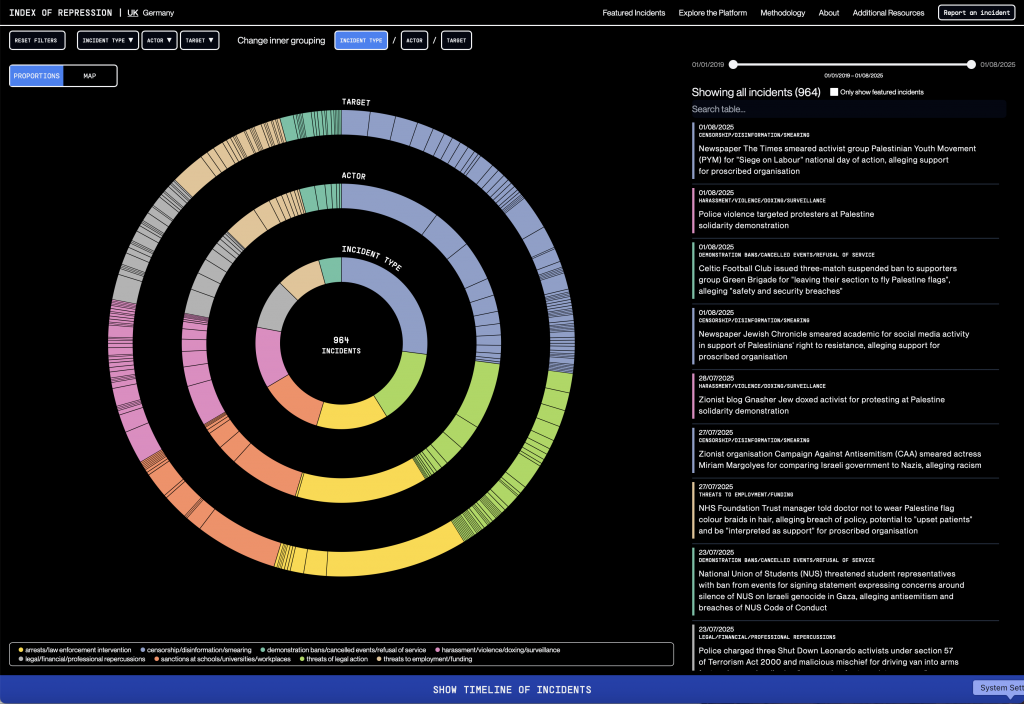
For the Methods of Iteration project, I chose the Index of Repression data visualization connected to Forensic Architecture. I chose the JavaScript library D3.js to recreate it.
I am surprised by how close I was able to get the design to the original target. Although D3.js is a tool with a considerably steep learning curve, with some AI help and a few false starts I have been able to make a copy with a pretty good level of accuracy. AI has been key to help me overcome the gaps in my knowledge here, but by instructing it to go step by step and only changing one thing at a time I have been able to increase my knowledge of how D3 approaches code.
I have a basic understanding of coding through courses required at my undergraduate school, and also through making changes to websites over my career, but D3.js have a specific way of structuring things, and the level of coding knowledge you need is pretty deep.
Through the use of my step-by-step approach, I can identify where in the code certain actions live. However, I do need help with how exactly to change the code to make it do what I want it to do. I’d say the Observable platform provides a pretty good way to work with D3. It provides an interface and notebook structure where you can edit code line by line and test it in the same window.
D3 is used by major newsrooms, and newspapers across the world. In fact if you see an impressive data visualisation it is most likely done in D3.
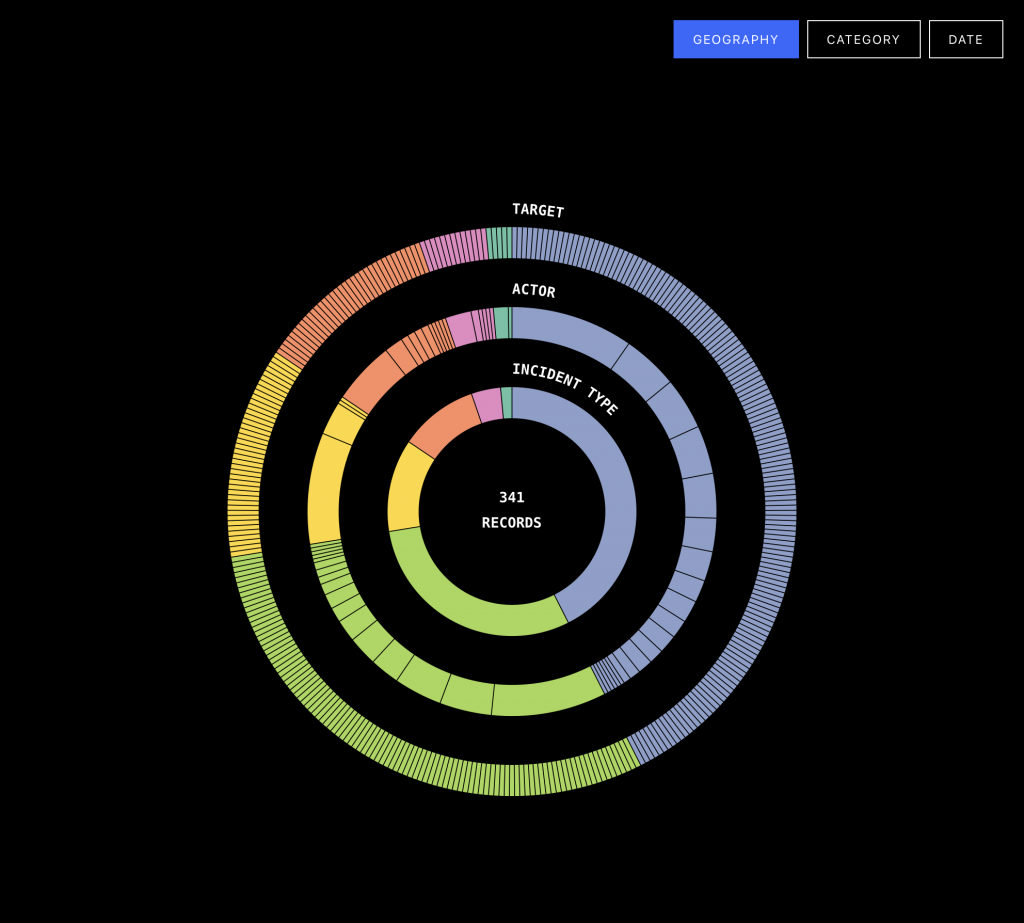
To view the interactive chart, click the image above.
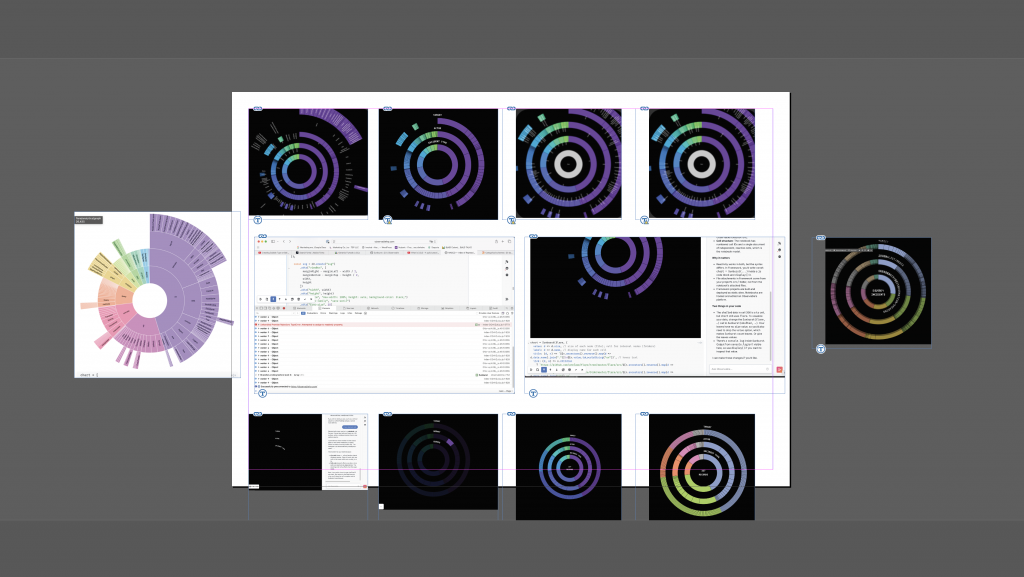
To recreate the original as accurately as possible, I began with the closest existing example I could find in the D3 gallery. I then modified the code incrementally, adjusting the structure, proportions, colours, and interactions to bring it closer to the original Sunburst visualisation.
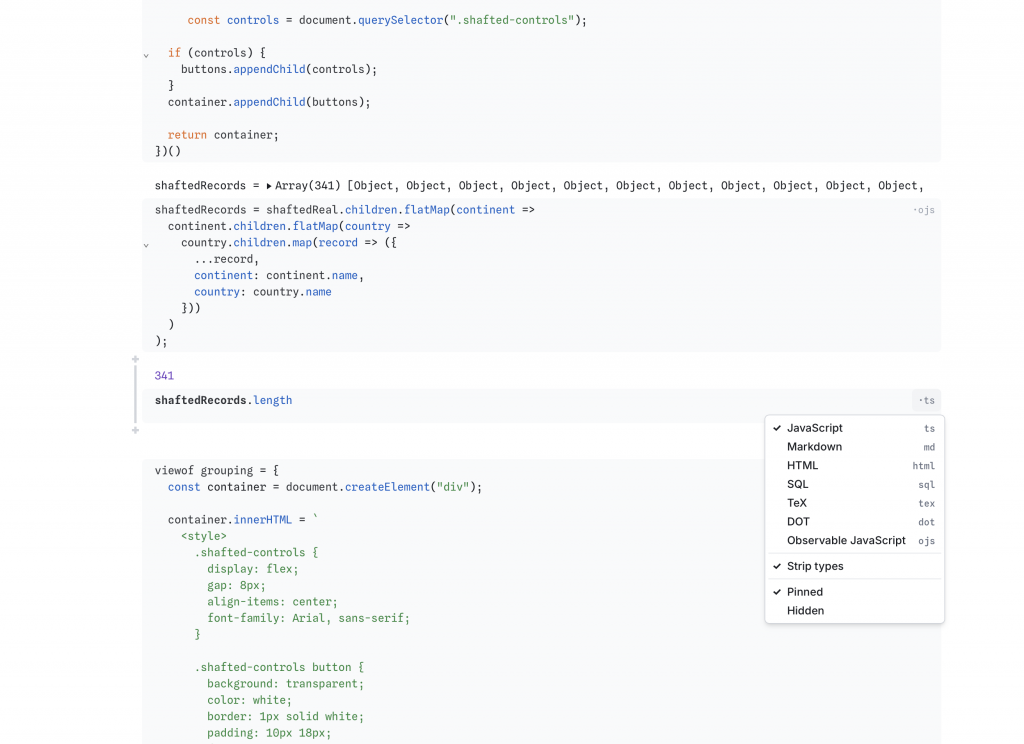
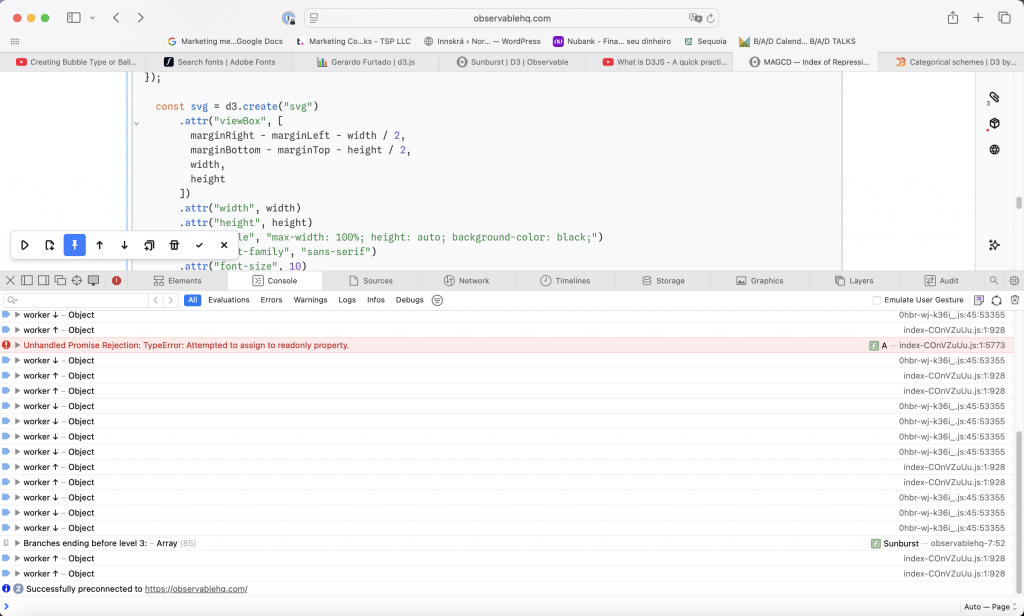
This was easier said than done. The code is distributed across multiple cells, which must use the appropriate language and syntax as well as reference one another correctly. Although the underlying language is JavaScript, Observable introduces its own conventions for defining and sharing variables between cells. A recurring problem has been accidentally deleting too many or too few brackets, causing errors that can be surprisingly difficult to trace.
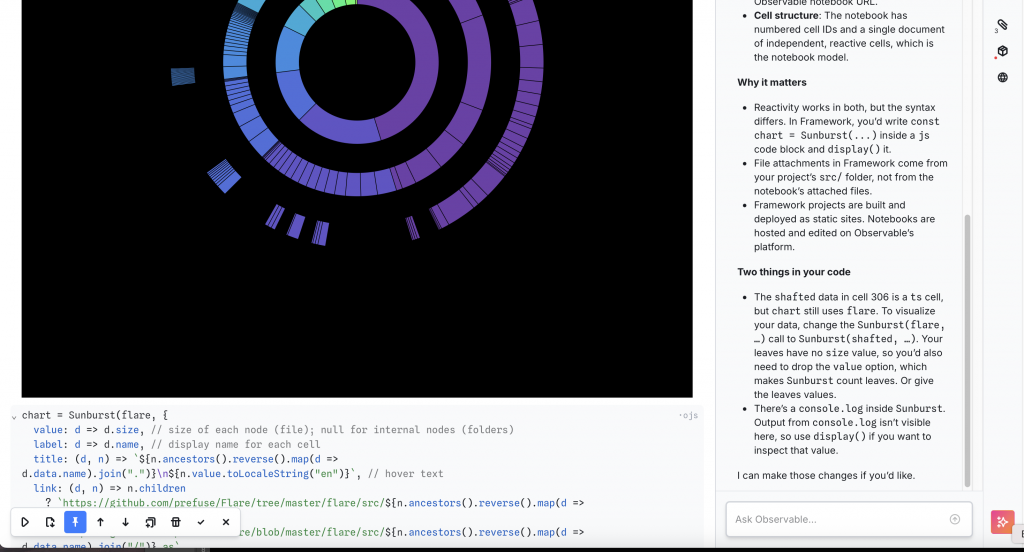
I can now make certain adjustments independently, including changing colours, ring widths, and spacing. More complex modifications, particularly those involving interactivity, such as mouseover and mouseout events, require AI assistance. Preparing and restructuring the data has also been challenging, especially as my own dataset originates in Notion rather than a format immediately suitable for D3.
In this project, AI has functioned as a learning tool as well as providing assistance with complicated code. By controlling the pace of the changes and testing each one, I have been able to understand more of the underlying logic, even when I cannot yet write the code independently. This approach has also made it easier to recognise when AI-generated suggestions are incorrect or introduce unexpected behaviour. The manual setting of cells and the interconnectivity of the Observable notebook mean that AI cannot do this by itself.
For the next phase, I developed three related critical questions. The final question will form the basis of my next phase of iterations, in which I intend to explore how different visual structures influence the interpretation of the same dataset.
To what extent does the structure of a data visualisation influence how we interpret the information it presents? Can two visualisations of exactly the same evidence tell radically different stories without either being factually incorrect?
Can the choice of visualisation become a research method rather than simply a means of presenting research? I’m interested in using an iterative relationship between research and design, where neither is simply a stage that precedes the other.
To what extent does data visualisation communicate what we already believe, and to what extent can it reveal what we don’t yet know? How does attaching the same data to a map/chart/scatterplots/beeswarms change what you see?
Leave a Reply